Market data on your page, without rebuilding the UI.
Live forex, gold, and crypto data in a single script tag. Each financial widget renders live price, momentum, spread, sessions, or strength for the symbols we cover — no chart library, no polling code, no API integration. It runs in a sandboxed frame, refreshes on a timer, and bills per domain, monthly.
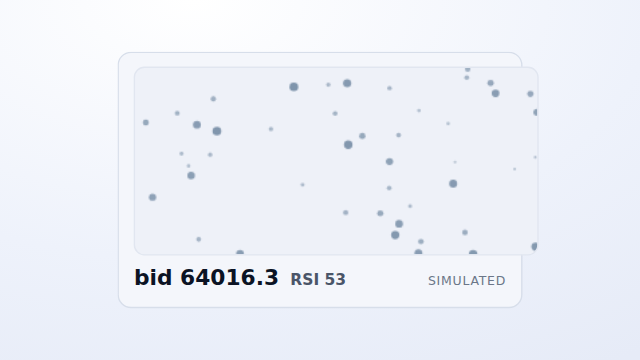
The real embed, running in preview mode — synthetic data, no API key, and zero network calls. Live data starts once you add the key you get after checkout.
- Sandboxed shadow-DOM — no CSS or JS collisions
- Preview needs no key
- Billed per domain, monthly
- 33 widgets · 8 categories
How it works
Embed
Drop the script tag on your page. With no key it renders instantly in preview mode — synthetic data, zero network calls, nothing billed.
Add your key
Subscribe from your dashboard, add the domain(s) you'll embed on, and copy your public wk_ key into the snippet.
Go live
The same widget now pulls live data on your authorized domains, refreshing on a timer. Revoke the key any time and it reverts to no data — never a broken page.
Browse by asset & use-case
Curated sets for a specific market or job — forex, crypto, gold, indicators, and more. Each links straight to the widgets that fit.
-
Forex Widgets
9Live FX-major rates, session hours, spread, and strength.
View → -
Crypto Widgets
8Live Bitcoin and Ether price, momentum, and comparison.
View → -
Gold Widgets
7Live gold (XAUUSD) price, range, spread, and rhythm.
View → -
Indicator Widgets
10RSI, MACD, and ADX momentum reads across markets.
View → -
Economic Calendar Widgets
2Upcoming high-impact economic events on your page.
View → -
Forex Market Hours Widgets
3FX session state, overlap, and countdown to the next change.
View → -
Currency Strength Widgets
4Cross-pair currency strength across the eight majors.
View → -
Forex Spread Widgets
2Live spread versus 24-hour normal, one pair or several.
View →
Browse the catalog
33 financial widgets across 8 categories. 32 available now; the rest are on the way. Each has a live preview, an embed snippet, and a plain data contract on its page.
Price & rates
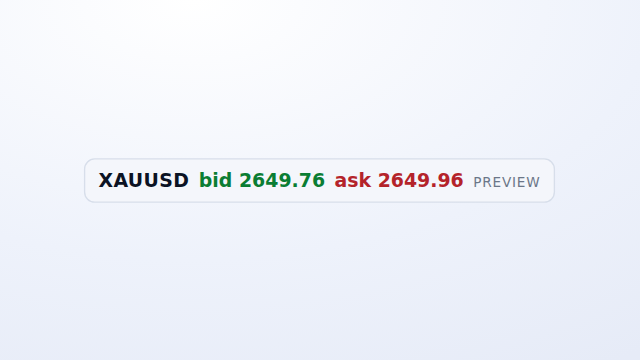
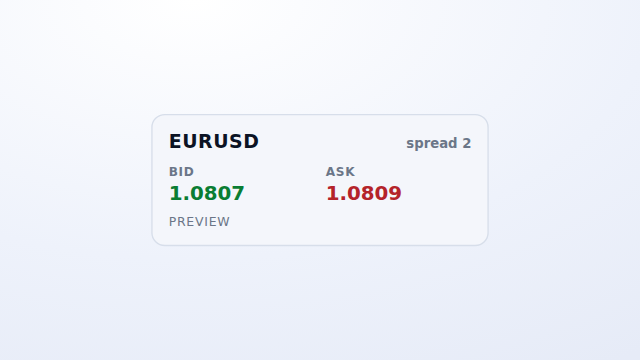
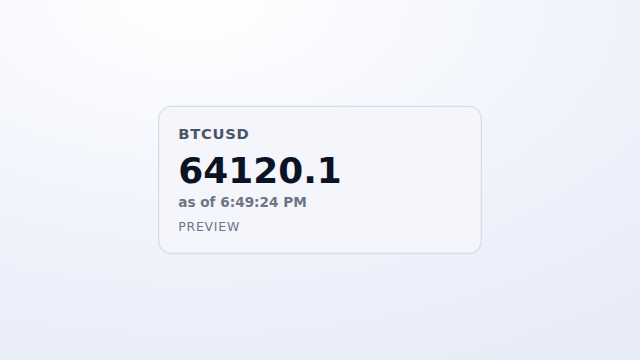
Live bid/ask and mid-market pricing — quote-level current price, not history or a forecast.
-
-
-
-
 Available
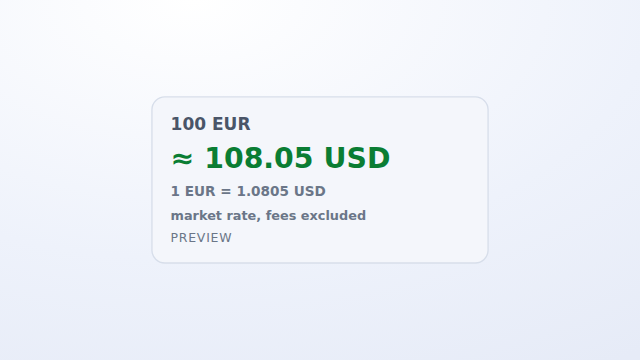
FX Checkout Impact
One pair’s quote × amount (local calculation) · fees excluded.
$9.99 /mo Get it →
Momentum & pressure
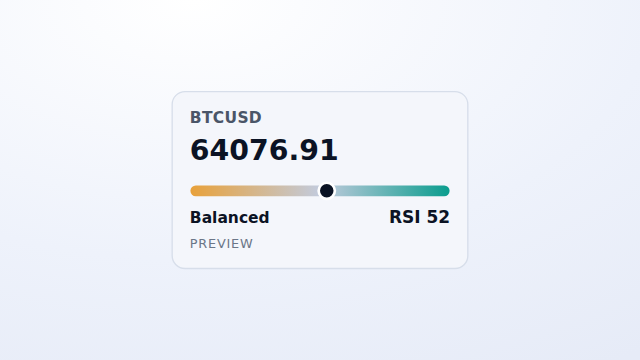
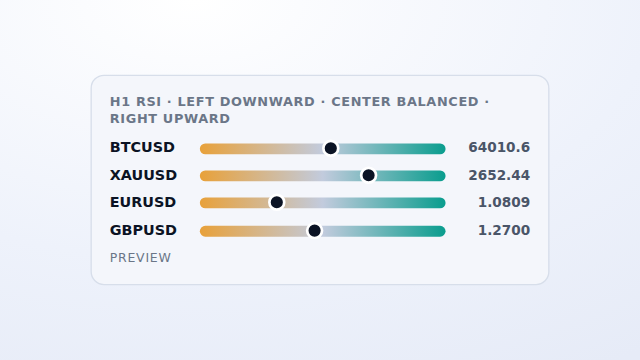
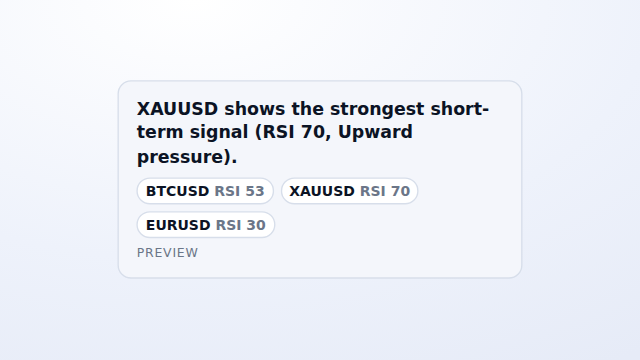
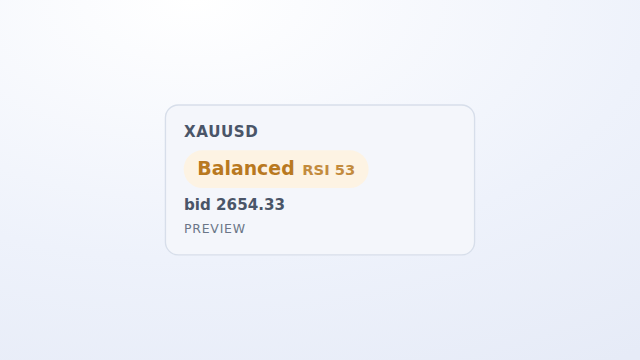
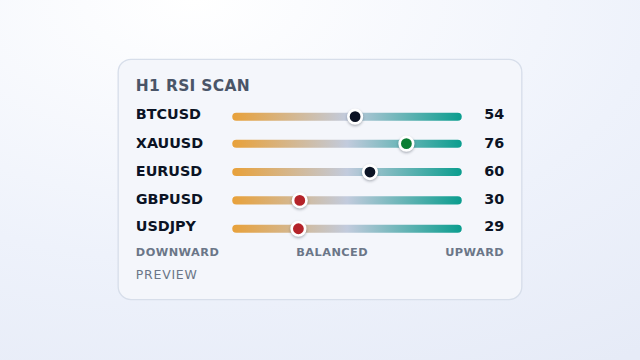
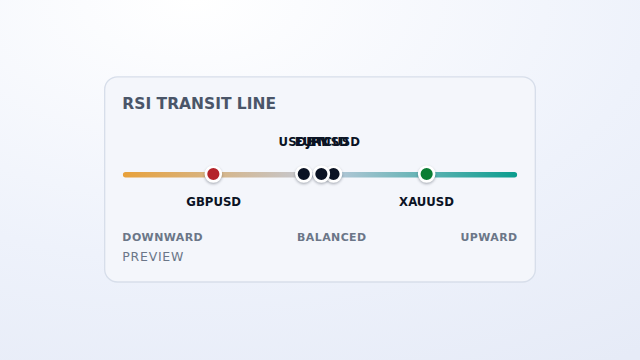
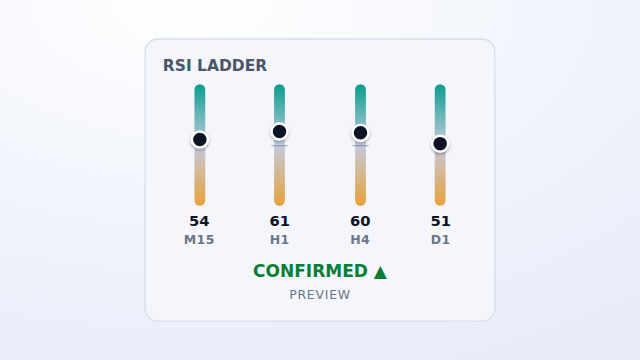
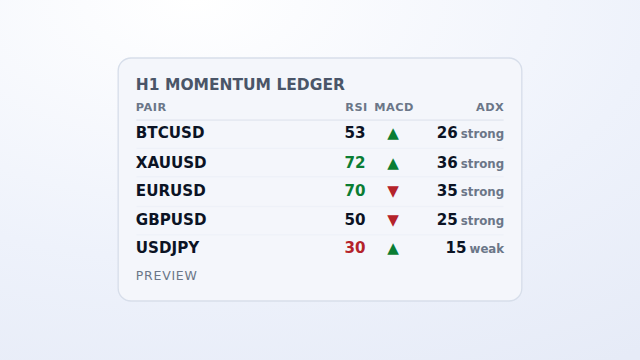
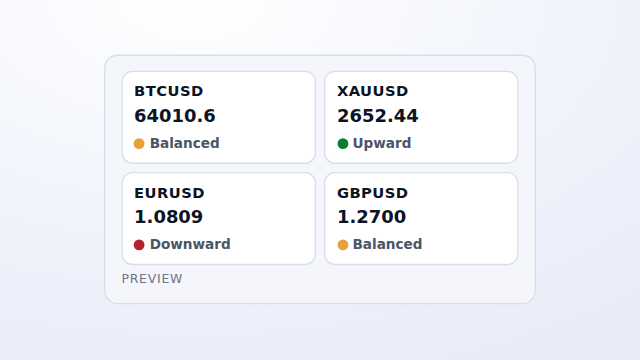
Price paired with H1 RSI, for one symbol or several on a shared 30/50/70 scale. RSI as labelled context, never a signal.
Range & volatility
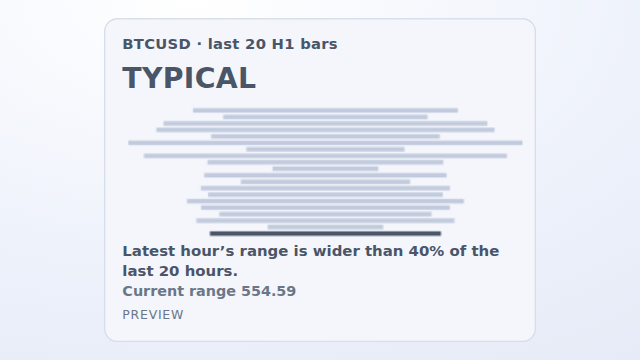
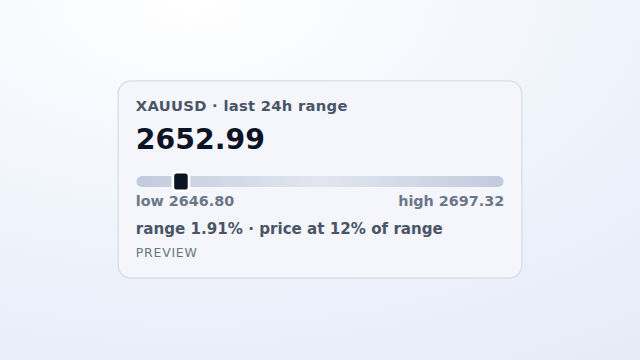
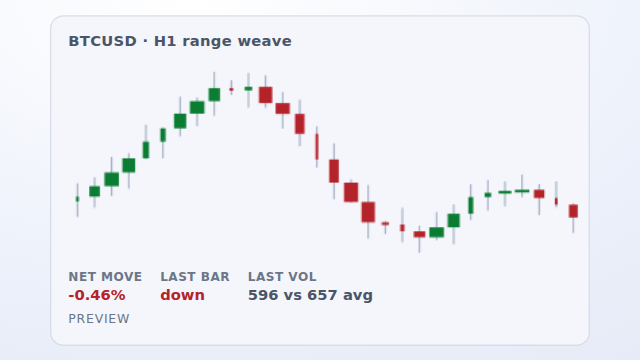
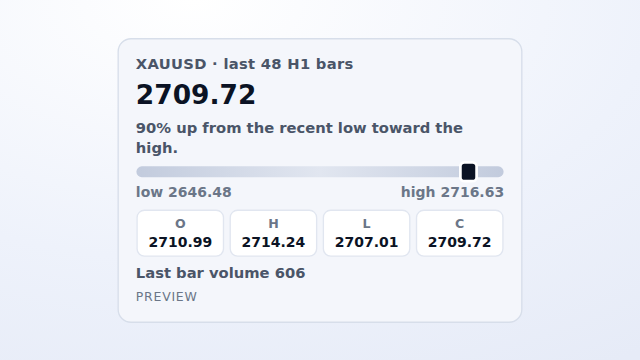
Built from H1 OHLC: a symbol's position in its recent high/low window, a squeeze view, or a short OHLCV history.
-
-
 Available
Range Markers
24h high / low / close placement · one symbol (from a set of up to 5).
$9.99 /mo Get it → -
-
-
 Available
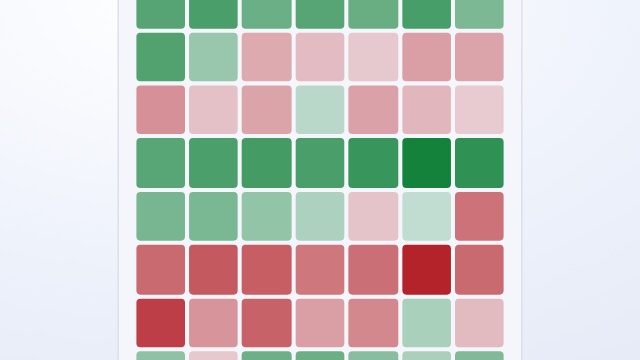
Price History Grid
Close-series movement grid · selectable interval · one symbol.
$14.99 /mo Get it →
Sessions & calendar
FX session state, overlap, and countdown, plus an upcoming high-impact economic-events timeline.
-
 Available
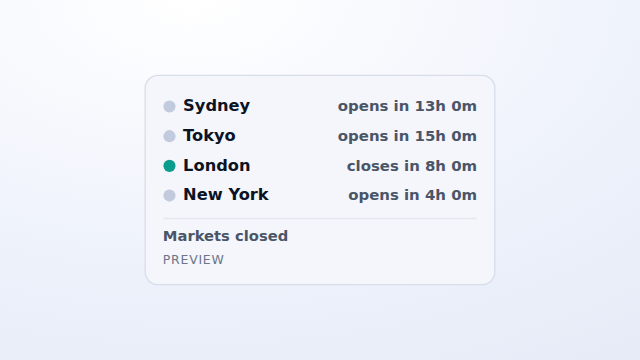
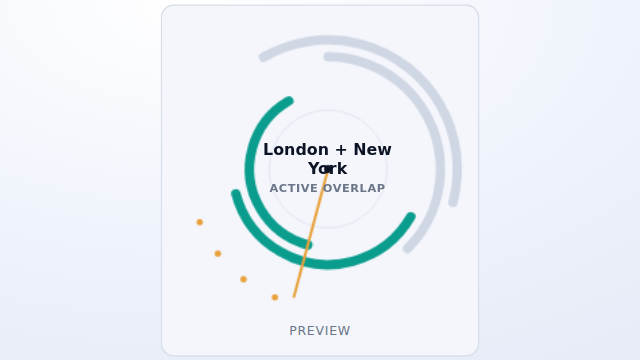
Session Overlap
FX session states / overlap / next change (time-based).
$9.99 /mo Get it → -
-
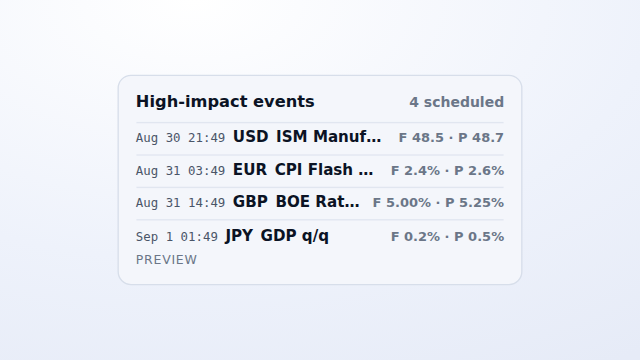 Available
Economic Event Horizon
Upcoming high-impact events · time / currency / forecast / previous.
$14.99 /mo Get it → -
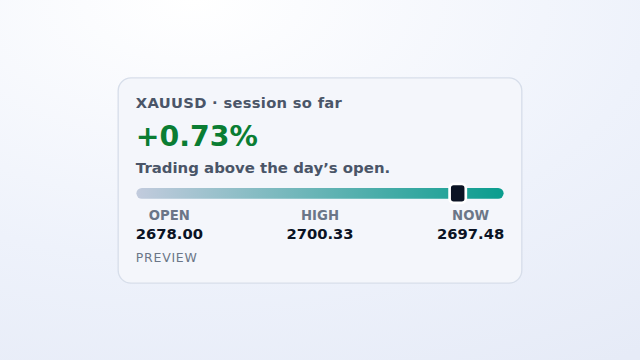 Available
Market Open / Close
Session open / high / current from OHLC (+ FX session).
$9.99 /mo Get it →
Spread & execution cost
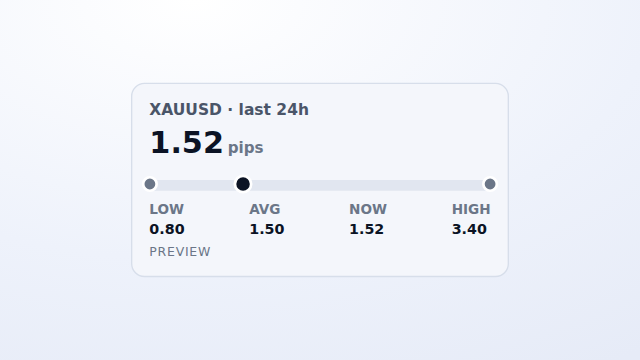
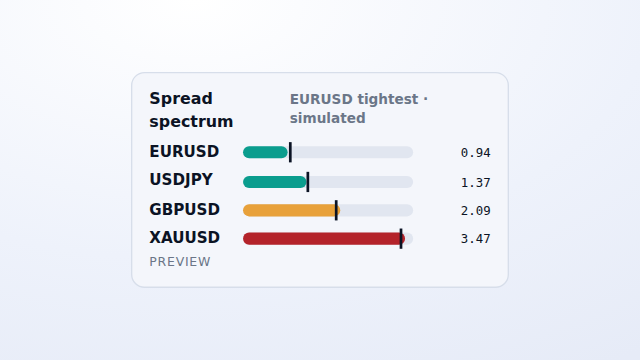
A pair's current spread against its 24h low/avg/high, or several pairs on one low-to-high cost spectrum.
Strength & scanners
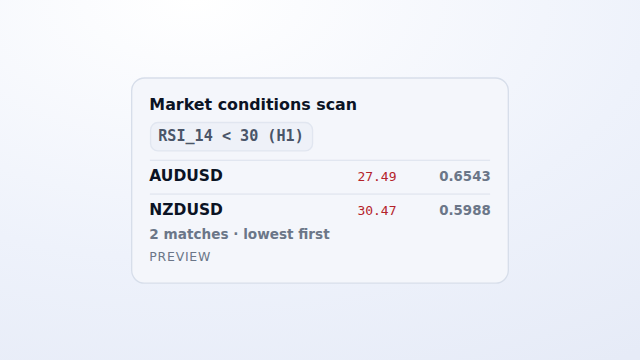
A currency-strength heatmap across the majors, and a transparent scanner showing the exact filter it applies.
-
 Coming soon
Currency Strength Board
Eight-major strength / trend / change (derived).
Coming soon View → -
History & comparison
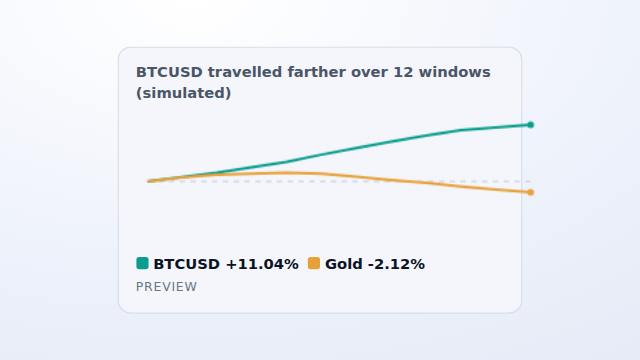
H1 close-series history for one symbol, several side by side, or two head to head. Comparative, not projected.
-
 Available
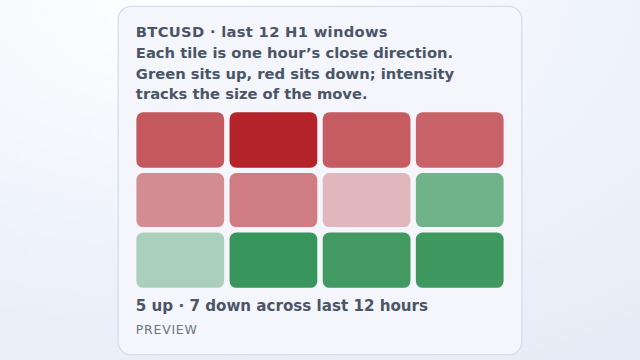
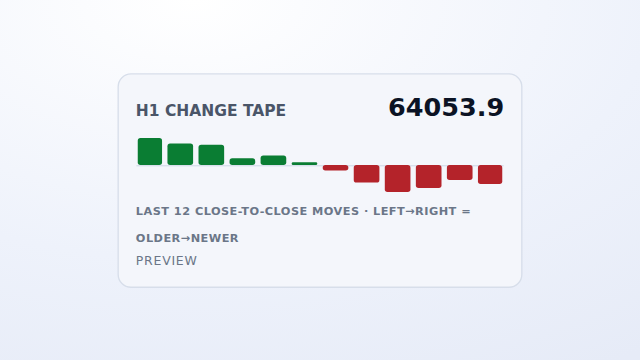
Market Quilt
12-window H1 movement mosaic · one symbol (from a set of up to 5).
$9.99 /mo Get it → -
 Available
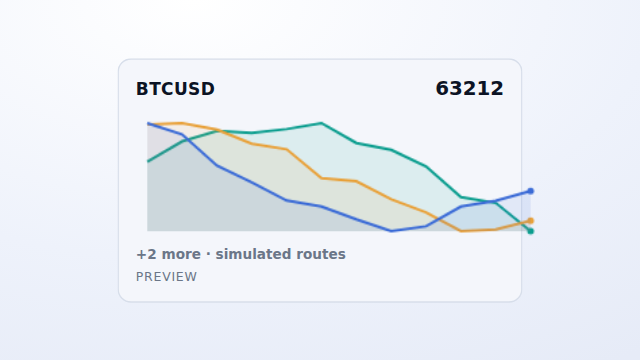
Price Rivers
Layered close ribbons · recent H1 windows · several symbols.
$9.99 /mo Get it → -
-
 Available
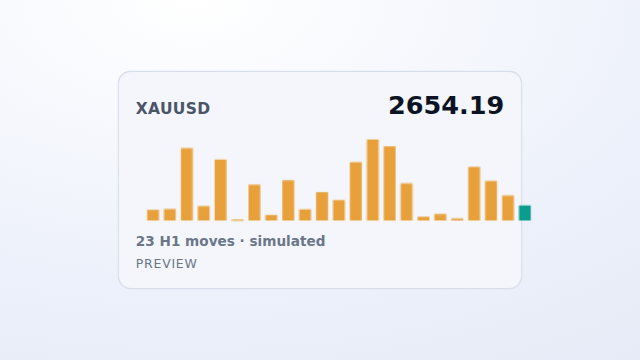
Market Cadence
Absolute-move rhythm · recent H1 windows · one symbol (from a set of up to 5).
$14.99 /mo Get it → -
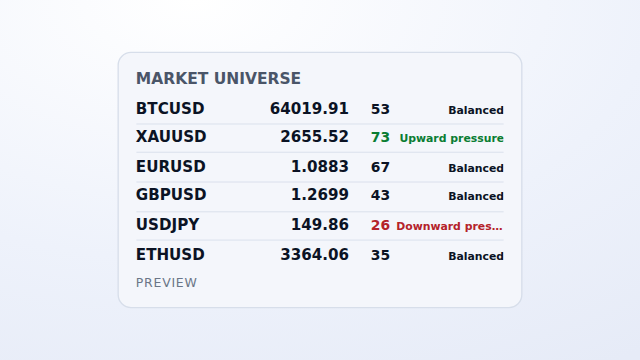
Overview & ambient
A full-universe quote + RSI status wall, and a live ambient pressure field. Presentation widgets.
No widgets match that search.
See a few running
Real embeds in preview mode — synthetic data, zero network. This is exactly how they render on your page.
Simple, per-domain pricing
Each widget lists a base price — $9.99 or $14.99 per month — that covers one domain. Adding a domain adds a slot at 50% of the base, so a widget on three domains costs base + 2 × (base ÷ 2).
Slots are fixed when you subscribe; billing is monthly. Cancel any time from your dashboard and the embed stays live to the end of the paid month, then stops.
Frequently asked
How do I embed a widget?
Copy the snippet from the widget’s page and paste it where you want it to render — a single embed.js script tag. No build step, no chart library, no other code on your page. Match your site with theme=light|dark|auto on the script tag (default light; auto follows each visitor’s system theme).
Is billing really per domain?
Yes. Each subscription covers a fixed number of domain slots for one widget — the base price covers one domain, and each additional slot adds 50% of the base. The key won’t render on a domain you haven’t added as a slot.
What symbols do you cover?
FX majors, gold (XAUUSD), and crypto (BTCUSD, ETHUSD). We don’t cover stock indices yet.
What’s the difference between preview and live?
With no key, a widget shows synthetic data and makes zero network calls — safe to test on any page. Add the wk_ key you get after subscribing, and it switches to live data on the domains you authorized.
Is the embed safe to drop on my page?
It renders inside a sandboxed shadow-DOM frame (all:initial), so your page’s CSS and scripts can’t reach in and its styles can’t leak out. The wk_ key in the snippet is public by design — it only works on domains you authorize, and you can revoke it any time.
How often does the data refresh?
About every 15 seconds, against cached data — many visitors on the same widget collapse to one computation on our side. If a request is rate-limited, the widget keeps its last frame until the next tick; it never shows a fabricated or zeroed value.
Embed a financial widget in minutes
Preview any widget with no key, then add your key to go live on your domains.